
Product updates
What's new in HIPAAList
Follow recent improvements, practical guidance, and product polish for healthcare teams using HIPAAList.
Take a guided tour of HIPAAList
A new public feature tour shows how HIPAAList connects recommended work, organization details, staff, documents, vendors, risk assessment, and ongoing readiness records.

- The homepage now opens the four-minute feature tour in a focused video player without taking visitors away from the page.
- The tour follows the product from Dashboard and Organization Profile through Staff, Documents, Vendor Management, Security Risk Assessment, and additional readiness workflows.
- A dedicated Learn page pairs the video with a written overview, source references, and clear next steps for exploring HIPAAList.
Training certificates can now be printed
Learners can now create a printable certificate of completion after finishing HIPAAList training courses.

Training completion record
Issued June 16, 2026

Certificate of Completion
Presented to
Chris Chobot
for completing
HIPAA Basics Training
- Completed
- June 16, 2026
- Version
- v1
- Estimated length
- 10-15 min
- The free HIPAA Basics completion page now includes a discreet certificate option that asks for the learner's name and opens a print-friendly certificate page.
- Course completion certificates include the learner name, course title, course version, completion date, HIPAAList logo, and a clear completion statement.
- Certificates are available as self-service completion records without treating the free public course as workspace evidence, HIPAA certification, or a compliance guarantee.
Learn now includes public HIPAA articles and videos
HIPAAList now has a public Learn section for practical HIPAA articles and video walkthroughs, starting with a Microsoft HIPAA BAA guide.
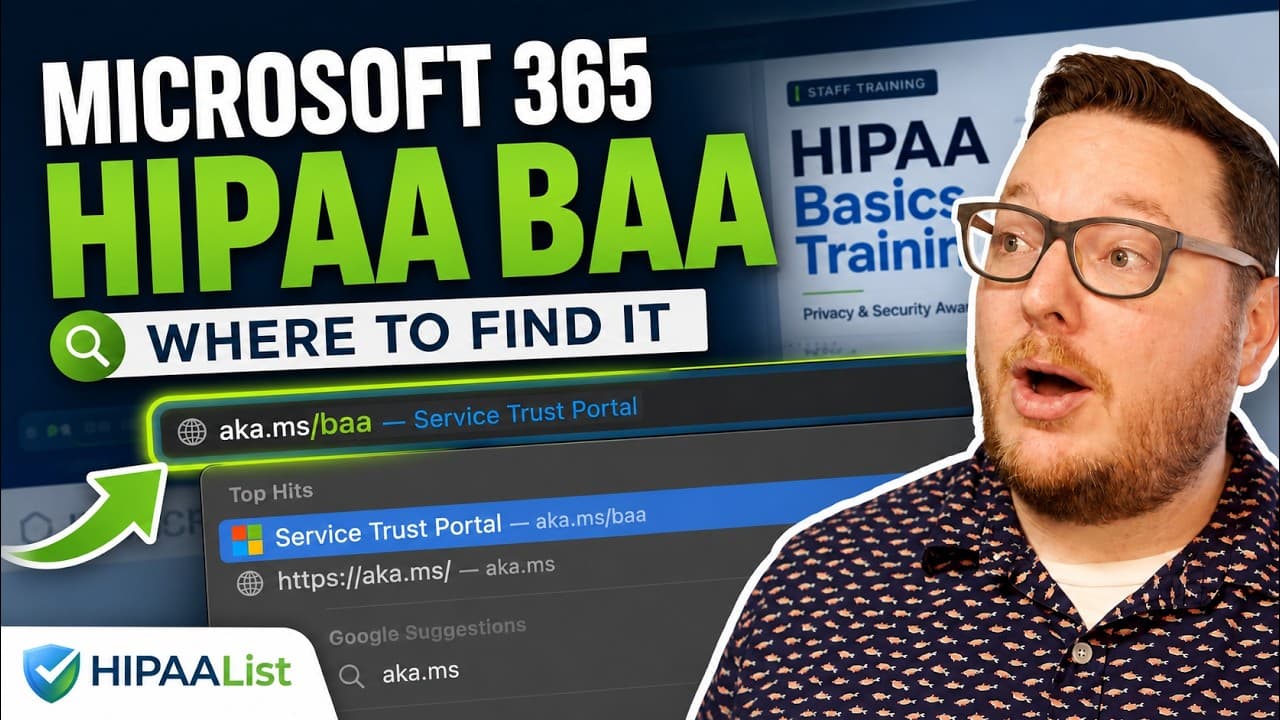
- The first Learn page shows where to find the Microsoft HIPAA Business Associate Agreement, with a written walkthrough, source references, and a Cloudflare-hosted video embed.
- Video pages use stable HIPAAList URLs, reusable video metadata, local YouTube-matched thumbnails, and article/video structured data for better public discovery.
- The Learn section is designed to grow into a public knowledgebase for HIPAA education, vendor BAA walkthroughs, tutorials, and subscriber-friendly next steps.
HIPAA Basics Training can now be taken for free
HIPAAList now has a public, frictionless path for taking HIPAA Basics Training without sign-in, credit card, or setup.
- The public training page links directly into the first HIPAA Basics lesson so workforce members can begin the course immediately.
- The course includes nine short lessons with teaching visuals and knowledge checks, and it remains designed to take about 10 minutes.
- After completion, learners see subscriber next steps for automating training records, reminders, policies, evidence, and other HIPAAList readiness workflows.
Cybersecurity Basics Training is now available
HIPAAList now includes a Cybersecurity Basics course that helps staff understand practical security habits for healthcare information, systems, and daily operations.
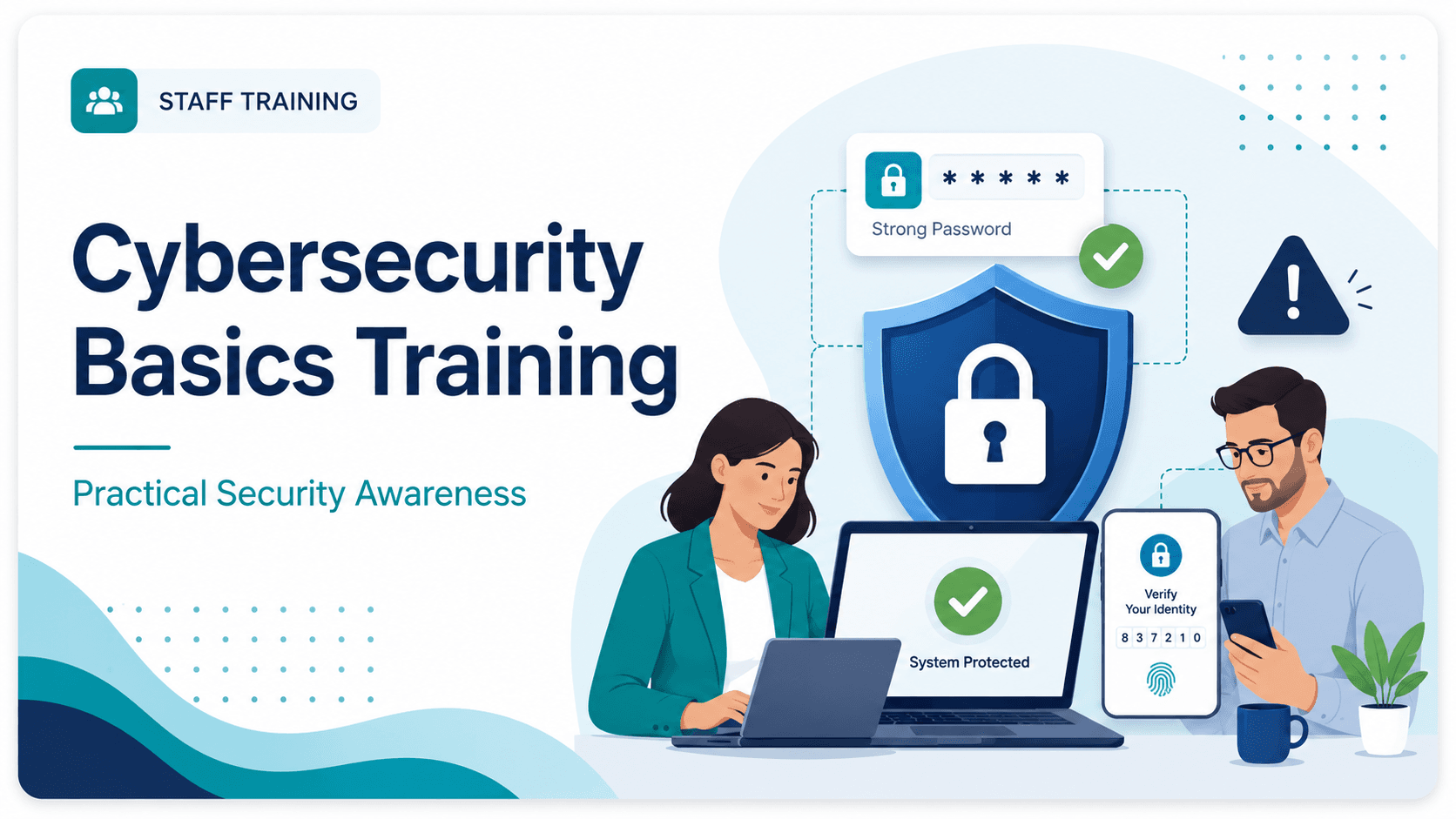
- The course follows the same format as HIPAA Basics, with short readings, definitions, key takeaways, teaching illustrations, and simple application questions.
- Lessons cover cybersecurity basics, phishing and social engineering, passwords and MFA, devices and workstations, malware and ransomware, safe sharing, approved software, remote work, and reporting.
- The image prompts are designed for a broad healthcare workforce so the visuals apply to providers, health plans, business associates, vendors, labs, billing services, and administrative teams.
Security Risk Assessment now works like a guided workbook
HIPAAList now includes a Security Risk Assessment surface modeled after the HHS/OCR SRA Tool workbook, with draft answers, related work links, and Action risk follow-up in one place.
Security Risk Assessment
Built from the HHS/OCR Security Risk Assessment Tool. HIPAAList helps organize answers, related work, and risk follow-up.
Autosaved May 27, 2026, 3:54 PM
Questions Answered
2 / 126
2% answered
Current Risks
1
Open follow-up
Resolved Risks
1
Risk history
Questions
Has your practice completed a security risk assessment (SRA) before?
Suggested Suggested because no saved SRA version exists yet.
Do you review and update your SRA?
Suggested Suggested because SRA review is part of this HIPAAList workflow.
Do you include all information systems containing, processing, and/or transmitting ePHI in your SRA?
- The SRA page uses workbook-style sections and answer choices, autosaves a draft, and allows a completed assessment version to be saved once every question has an answer.
- Questions can show high-confidence suggestions when HIPAAList has enough supporting work, and each question includes discreet Related links back to relevant recommended work, Actions, Documents, Vendors, and Risks.
- The page includes a Risks table with Open and Resolved filters so active follow-up remains visible while resolved risks stay available for assessment history.
Training now separates courses and reminders
The Training section now opens to separate Courses and Reminders sections so admins can get to the right training workflow faster.

Courses
Structured training, sends, schedules, and completion records.
Open Courses

Reminders
Reminder Schedule, awareness topics, sends, and acknowledgement records.
Open Reminders
HIPAA Basics Training
Course schedule and staff completion status.
| Staff | Status | Last Activity |
|---|---|---|
| Morgan Lee | Complete | May 20, 2026 |
| Jamie Patel | Sent | May 24, 2026 |
| Riley Morgan | Not sent | - |
- Courses has its own landing page for structured training, staff sends, schedules, and completion tracking.
- Reminders has its own landing page for Reminder Schedule controls and the awareness reminder catalog.
- The workspace navigation now expands Training with Courses and Reminders links, including mobile navigation.
Dashboard now shows readiness progress and next steps
The Dashboard now gives teams a clearer view of current readiness, recent progress, and the next useful work to tackle.
Readiness
Dashboard
Current readiness progress, work status, and the next useful records to complete.
Readiness Score
742
+38 this quarter
Work Status
| Readiness Path | Type | Status |
|---|---|---|
Complete Organization Profile Captures facts that tailor next steps and placeholders. | Setup | Complete |
Review EHR / Clinical System Access Confirm access, MFA, roles, and audit routines. | Work | Next Step |
Enable HIPAA Basics Training Prepare structured staff training records. | Training | Recommended |
- Readiness Score now appears with trend history, range controls, and point hover details so teams can see how saved work changes progress over time.
- Work Status summarizes complete, in-progress, for-review, and remaining work with percentages and counts.
- The filtered Readiness Path table now carries the next-step workflow with thumbnail rows and Back to Dashboard navigation.
Evidence uploads now include stronger safeguards
HIPAAList now applies stronger upload checks and can hold evidence files until configured scan results are available.
Confirm unique user accounts are used
Needs WorkVerify that every workforce member who can reach patient information signs in with an individual account, not a shared login.

Complete
Evidence is in place and no active risks remain.
Needs Work
Track active risk and follow-up plan.
Not Applicable
Document why this action does not apply.
Confirmation note: confirming
May 27, 2026, 11:59 AM
Critical Shared or generic login is still in use: One or more workforce members may be using a shared account, making activity harder to trace and access harder to remove when roles change.
- When attachment scanning is configured, new files stay in a Scanning state until the result is available.
- Uploads are checked before storage, blocking active content such as SVG, HTML, JavaScript, and unsupported formats.
- Preview and download become available only after a scanned file is marked clean, with visible status for files that are still pending or unavailable.
Organizations can now download an audit-support export
HIPAAList now creates a private ZIP package with key workspace records, reports, documents, and clean evidence files.

Export
Audit-support export
Download a ZIP package with records, reports, documents, clean evidence files, and risk history.
Recent exports
| Export | Status | Created |
|---|---|---|
| May readiness package | Ready | May 27, 2026 |
| April review package | Ready | Apr 30, 2026 |
- Exports include the audit log CSV, Organization Profile facts, Staff, current documents, acknowledgements, training records, vendor and BAA records, SRA versions, BAA evidence, and an Action evidence report.
- Each ZIP includes a static HTML overview site for easier navigation, plus raw CSV, Markdown, and evidence files for portability.
- Downloads are limited to the authenticated workspace and include only scanned attachments already marked clean.
Suggested documents now read more like working drafts
HIPAAList improved document starters so they feel less like checklists and more like usable first drafts.
Organization
Documents
Create, edit, approve, and review policies, notices, procedures, and plans.
| Document | Purpose | Status |
|---|---|---|
Access Control Policy Defines how access is requested, approved, reviewed, and removed. | Policy | Approved |
Access & Authentication Policy Defines account, password, MFA, and sign-in expectations. | Policy | Approved |
Security Incident Response Procedure Provides first steps for reporting and assessing incidents. | SOP | Draft |
- Core suggested documents now use authored starter bodies for stronger first drafts, including the Notice of Privacy Practices and core HIPAA policies and procedures.
- Context-specific document starters no longer add generic Organization Context, Completion Checklist, or Tailoring Notes sections.
- AI tailoring now has stricter instructions to improve weak starter language and avoid meta phrases like what a policy or notice should contain.
Document starters are more purpose-built
Suggested documents now open with sections that better match the kind of document being created.
Organization
Documents
Create, edit, approve, and review policies, notices, procedures, and plans.
| Document | Purpose | Status |
|---|---|---|
Access Control Policy Defines how access is requested, approved, reviewed, and removed. | Policy | Approved |
Access & Authentication Policy Defines account, password, MFA, and sign-in expectations. | Policy | Approved |
Security Incident Response Procedure Provides first steps for reporting and assessing incidents. | SOP | Draft |
- Policies, SOPs, procedures, notices, plans, and assessments now use different starter structures instead of one generic template shape.
- Organization-specific gaps now appear inside the relevant section with review fields, tables, or concise Before approval notes.
- Starter quality checks now require purpose-built sections and prevent generic Tailoring Notes from being added to the bottom of new starters.
Document starters can now use organization context
HIPAAList now uses saved organization details to make starter documents more relevant before you begin editing.
Organization
Documents
Create, edit, approve, and review policies, notices, procedures, and plans.
| Document | Purpose | Status |
|---|---|---|
Access Control Policy Defines how access is requested, approved, reviewed, and removed. | Policy | Approved |
Access & Authentication Policy Defines account, password, MFA, and sign-in expectations. | Policy | Approved |
Security Incident Response Procedure Provides first steps for reporting and assessing incidents. | SOP | Draft |
- Starter templates remain the base, while organization services, staff roles, officer assignments, completed Actions, Vendors, and approved Documents can help tailor the first draft.
- Services and Staff Roles now support selecting multiple suggested options at once, making it easier to add all that apply.
- If AI tailoring is unavailable, HIPAAList falls back to the standard HIPAAList starter template.
Privacy and Security Officers now live on the Organization Profile
HIPAAList now treats Privacy Officer and Security Officer as organization-level assignments linked to staff records instead of ordinary staff roles.
Organization
Organization Profile
Basic organization details that tailor readiness guidance and document placeholders.
How complex is your organization to support?
This helps HIPAAList choose a practical starting path.
Small
SelectedA focused practice or team with simpler operations.
Medium
Several teams or locations with recurring IT work.
Large
Multiple locations, systems, and broader IT ownership.
Services
Staff Roles
- Organization Profile includes staff pickers for Privacy Officer and Security Officer, and the same person can hold both assignments.
- Staff detail pages show officer badges when a person is assigned, and assignment changes are visible from both Organization Profile history and related staff history.
- Document placeholders, readiness progress, and assistant answers now use the saved officer assignments.
Training and awareness reminders can now run on schedules
HIPAAList now helps admins automate staff training and awareness follow-through with course schedules, a configurable reminder queue, and background notification processing.
Courses
Structured training, sends, schedules, and completion records.
Open Courses
Reminders
Reminder Schedule, awareness topics, sends, and acknowledgement records.
Open Reminders
HIPAA Basics Training
Course schedule and staff completion status.
| Staff | Status | Last Activity |
|---|---|---|
| Morgan Lee | Complete | May 20, 2026 |
| Jamie Patel | Sent | May 24, 2026 |
| Riley Morgan | Not sent | - |
- Course schedules can send HIPAA Basics Training to all staff or selected roles when matching staff are added, with a staff progress view for completions and reminders.
- Reminder Schedule sends one awareness reminder at a time on a weekly, bi-weekly, or monthly cadence, with controls to reorder the queue, disable reminders, and send the next reminder now.
- Scheduled sends run through notification jobs so email delivery, acknowledgement links, recipient history, and audit records stay tied to the workspace.
Resources now explain why items are included
Recommended work, Actions, Documents, training lessons, and reminders now include source-backed Resources so teams can see the HIPAA, HHS, 405(d), or NIST guidance behind the work.
Confirm unique user accounts are used
Needs WorkVerify that every workforce member who can reach patient information signs in with an individual account, not a shared login.
Complete
Evidence is in place and no active risks remain.
Needs Work
Track active risk and follow-up plan.
Not Applicable
Document why this action does not apply.
Confirmation note: confirming
May 27, 2026, 11:59 AM
Critical Shared or generic login is still in use: One or more workforce members may be using a shared account, making activity harder to trace and access harder to remove when roles change.
- Resource sections stay collapsed by default so citations are available for review without overwhelming day-to-day users.
- Related citations are grouped by source, with direct links to the relevant section, paragraph, guidance page, or PDF page when available.
- Resource language uses practical readiness wording and avoids implying that any single item guarantees a legal or regulatory outcome.
Organization Profile is easier to scan and keep current
The Organization Profile has a cleaner layout, clearer labels, better selection controls, and a dedicated history snapshot for profile changes.
Organization
Organization Profile
Basic organization details that tailor readiness guidance and document placeholders.
How complex is your organization to support?
This helps HIPAAList choose a practical starting path.
Small
SelectedA focused practice or team with simpler operations.
Medium
Several teams or locations with recurring IT work.
Large
Multiple locations, systems, and broader IT ownership.
Services
Staff Roles
- The profile now uses clearer language like HIPAA category, Staff Roles, and Services so setup choices read more naturally.
- Organization name and logo are managed from Clerk, while HIPAAList keeps the operational profile details focused on readiness recommendations.
- Services, Staff Roles, locations, size, and checklist controls now use more consistent selection styling, and recent profile activity appears in History.
Staff is easier to filter, review, and follow up on
The Staff section now gives admins clearer roster filters, better invitation follow-up, cleaner detail pages, and staff-specific history.
Staff
Staff
Manage workforce members, roles, permissions, and invitation status.
| Name | Staff Roles | Invitation | Permissions |
|---|---|---|---|
| Morgan Lee | Provider, Privacy Officer | Joined | Admin |
| Taylor Chen | IT Support, Security Officer | Joined | Admin |
| Jamie Patel | Front Desk | Invited | Member |
| Riley Morgan | Billing | Not invited | Member |
- Staff filters now include invitation status and only the roles currently in use, making it faster to find the right people.
- Invitation follow-up is clearer with Resend Invitation, invited timestamps, joined timestamps when available, and separate Admin or Member permissions.
- Staff detail pages now follow the same detail-page pattern as other records, with Clerk-owned identity information, organization Staff Roles, and History below the form.
Documents and Vendors are easier to add and audit
Searchable Add dialogs now focus automatically, Documents includes a broader starter catalog, and Documents and Vendors both show recent history from their list and detail pages.
Organization
Documents
Create, edit, approve, and review policies, notices, procedures, and plans.
| Document | Purpose | Status |
|---|---|---|
Access Control Policy Defines how access is requested, approved, reviewed, and removed. | Policy | Approved |
Access & Authentication Policy Defines account, password, MFA, and sign-in expectations. | Policy | Approved |
Security Incident Response Procedure Provides first steps for reporting and assessing incidents. | SOP | Draft |
- When an Add dialog opens, the cursor starts in Search so admins can immediately type to filter long lists.
- The Add document picker now includes the broader recommended document template catalog alongside core HIPAAList starters, so teams can find more HIPAA-related policies, SOPs, plans, forms, and procedures.
- Documents and Vendors now share more list and detail page structure, including standard History sections that show relevant audit activity.
Awareness reminders can now be sent and acknowledged
Admins can send an awareness reminder to staff from the reminder page, and staff can acknowledge it from a secure email link without creating a HIPAAList account.

- HIPAAList sends reminder emails through Postmark using staff records already saved in the workspace.
- Each recipient gets a secure token link that opens the reminder and records acknowledgement when they click the Acknowledge button.
- Audit Log records the batch send with recipient counts and targeting details, plus individual acknowledgement events for staff follow-through.
Training now has HIPAA Basics and awareness reminders
HIPAAList now includes a branded HIPAA Basics course, a grouped awareness reminder catalog, and stable image paths for training visuals.
- HIPAA Basics opens with a short welcome slide, then walks staff through nine lessons with readings, teaching images, key takeaways, and application questions.
- Training images can be opened larger from the course or reminder pages, and authored images use stable public paths so they can be replaced without changing code.
- The reminder catalog now includes 24 short awareness topics grouped by category, with scenario-based pages, optional definition blocks, and a simple acknowledgement CTA.
Readiness now has a dashboard and guided assistant tour
HIPAAList now separates the readiness dashboard from the dedicated assistant, gives new users a guided product tour, and makes it easier to return to chat after opening workspace pages.
Assistant
HIPAAList Assistant
Workspace-aware help for product questions and practical next steps. Do not enter PHI.
- Dashboard shows readiness progress, the next available step, and coming-soon roadmap items from the versioned readiness activity catalog.
- Assistant can walk users through the main sections one card at a time, with mini previews, Previous and Next controls, and a completion step that offers the next readiness action.
- Links opened from assistant now show a small Back to Assistant link in the workspace header, returning users to chat without a distracting scroll animation.
Start documents without a blank page
Documents now gives your workspace an essential starter set for policies, SOPs, and risk work, while still letting you add your own markdown documents.
Organization
Documents
Create, edit, approve, and review policies, notices, procedures, and plans.
| Document | Purpose | Status |
|---|---|---|
Access Control Policy Defines how access is requested, approved, reviewed, and removed. | Policy | Approved |
Access & Authentication Policy Defines account, password, MFA, and sign-in expectations. | Policy | Approved |
Security Incident Response Procedure Provides first steps for reporting and assessing incidents. | SOP | Draft |
- Choose common starter documents from a checklist, then edit each one before approving it.
- Add custom documents when your organization already has its own policy, SOP, form, notice, or risk assessment.
- Every save creates a new version, and approval records who approved the exact version and when.
Add your team without slowing down
Staff setup is now faster: paste email addresses, choose permissions and roles, then add people now or invite them into HIPAAList right away.
Staff
Staff
Manage workforce members, roles, permissions, and invitation status.
| Name | Staff Roles | Invitation | Permissions |
|---|---|---|---|
| Morgan Lee | Provider, Privacy Officer | Joined | Admin |
| Taylor Chen | IT Support, Security Officer | Joined | Admin |
| Jamie Patel | Front Desk | Invited | Member |
| Riley Morgan | Billing | Not invited | Member |
- Use Add only when you want to build the roster first, or Add and invite when you are ready to send access immediately.
- Select staff rows to send or resend invitations in a batch, and use the filters to find people who have not been invited, have not joined yet, or still need roles.
- People already in your organization appear in Staff automatically when possible, with their avatar, permissions, invitation status, and inline row editing.
Know what to work on next
When you open HIPAAList, the workspace now helps your team get oriented, save the basics about your organization, and see what to work on next.
Assistant
HIPAAList Assistant
Workspace-aware help for product questions and practical next steps. Do not enter PHI.
- Answer a few setup questions once so HIPAAList can tailor guidance to your organization type, HIPAA role, services, locations, staff size, and workforce roles.
- Ask HIPAAList what it knows about your organization, update your profile when details change, or ask what your team should work on next.
- Review important workspace activity, including setup, legal acknowledgements, and organization profile changes, from the Audit Log.
Get into HIPAAList and find help faster
HIPAAList has a cleaner sign-in experience, a calmer workspace, and Learn product guides where subscribers can follow updates and learn how to use the app.
Readiness
Dashboard
Current readiness progress, work status, and the next useful records to complete.
Readiness Score
742
+38 this quarter
Work Status
| Readiness Path | Type | Status |
|---|---|---|
Complete Organization Profile Captures facts that tailor next steps and placeholders. | Setup | Complete |
Review EHR / Clinical System Access Confirm access, MFA, roles, and audit routines. | Work | Next Step |
Enable HIPAA Basics Training Prepare structured staff training records. | Training | Recommended |
- The signed-in workspace gives your team one clear starting point for HIPAA readiness work.
- Learn collects HIPAA answers, product walkthroughs, video-led articles, and practical support content in one place.
- The refreshed design makes pages easier to scan and keeps the focus on the work your team needs to complete.